?How to Print on PC
① Click the image of the worksheet you want to print.
② Press [Ctrl] + [P] to open the print dialog.
③ Click the [Print] button to begin printing.

2
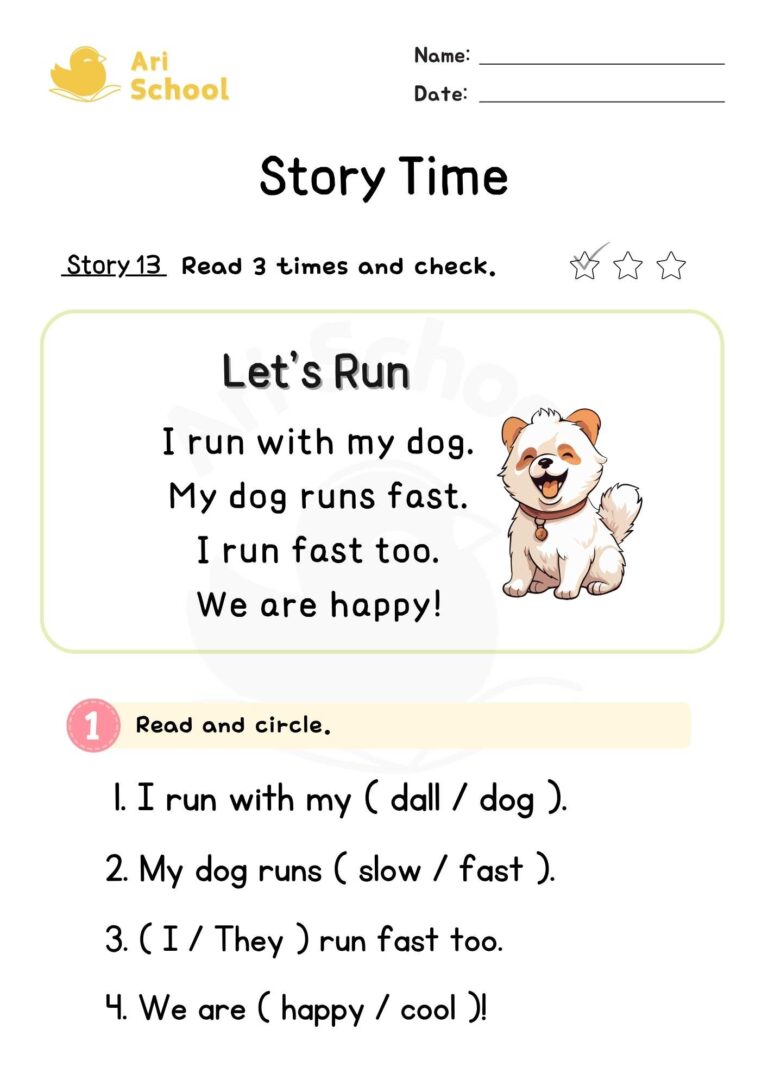
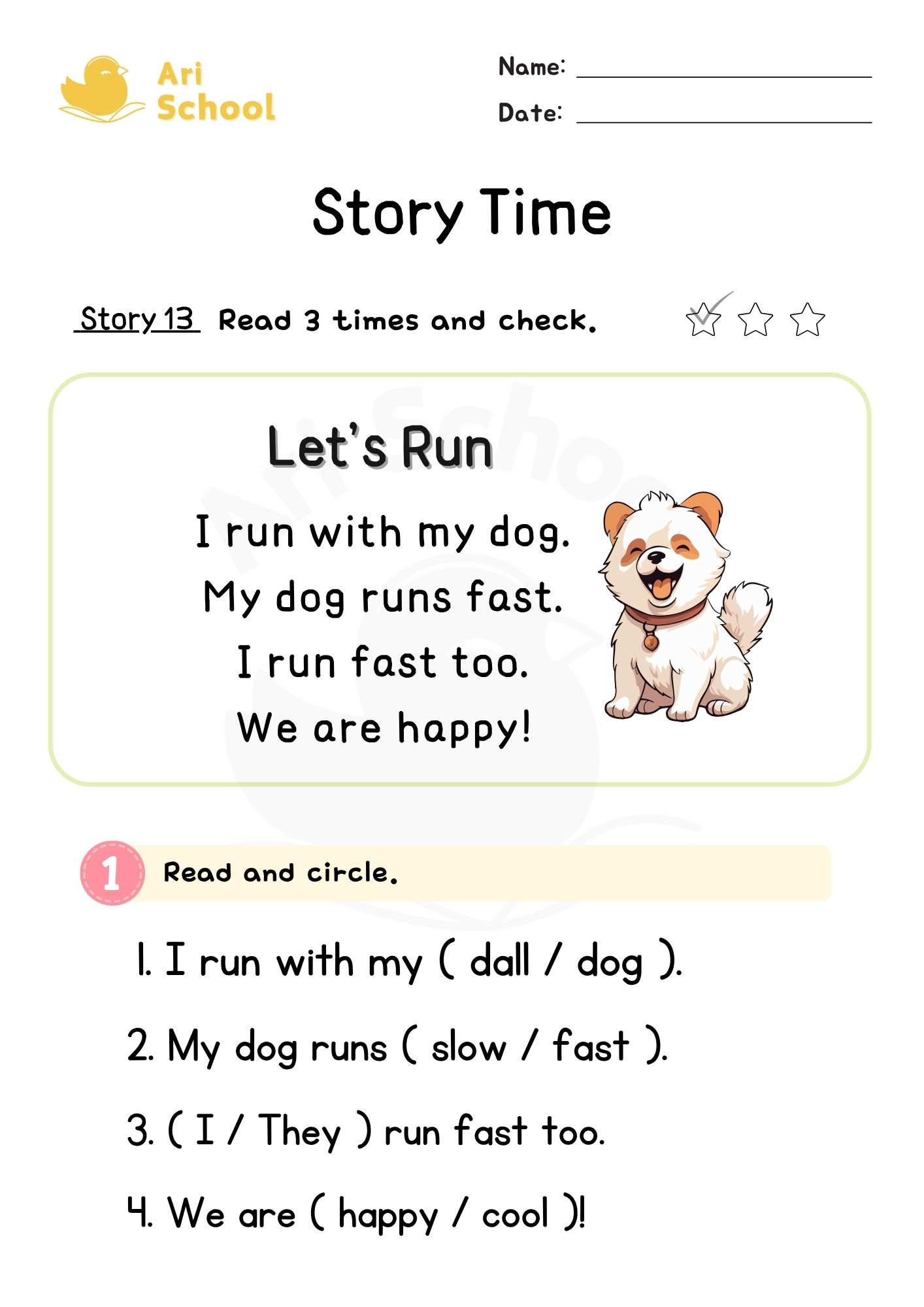
Story Time 13 – Let’s Run
Start by reading the short story aloud together and discussing its meaning. Then, encourage your child to read the passage independently three times to build reading fluency.
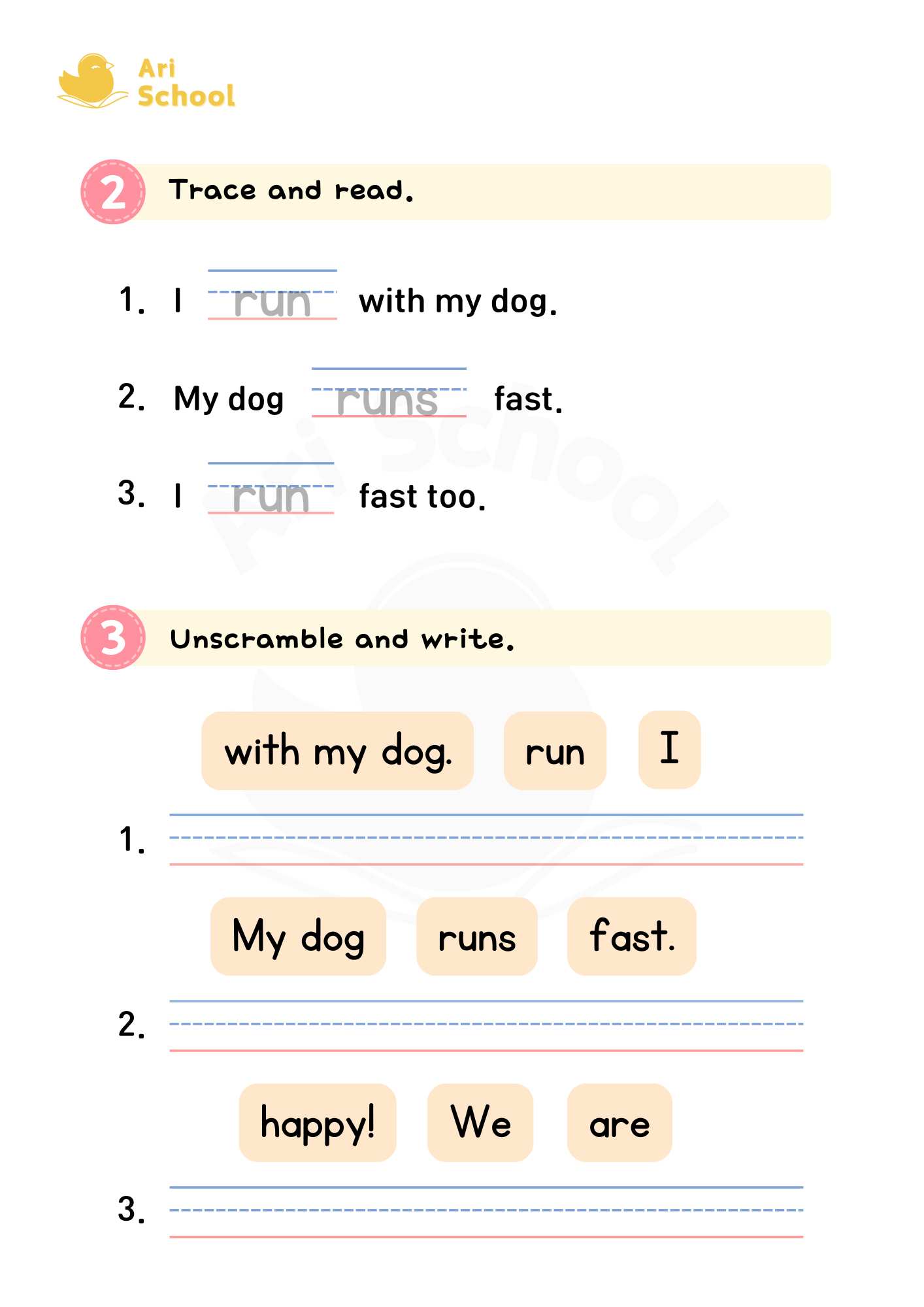
Follow-up activities such as multiple-choice questions, fill-in-the-blanks, and sentence-building exercises will help learners naturally absorb key vocabulary and sentence structures.
?How to Print on PC
① Click the image of the worksheet you want to print.
② Press [Ctrl] + [P] to open the print dialog.
③ Click the [Print] button to begin printing.
?모바일에서 파일 다운로드가 되지 않나요?
아래 브라우저 앱을 사용하시면 원할한 다운로드를 할 수 있습니다.
안드로이드 : 삼성 인터넷, 크롬
IOS(아이폰): 사파리, 크롬
There are no reviews yet. Be the first one to write one.